Browser play Open to everyone
Play Pokémon Blaze Online in your browser.
Pokémon Blaze Online is an established, free, fan-made Pokémon MMORPG with a persistent world spanning four regions. Collect Pokémon, progress through regional stories, trade, compete in PvP and Crew Wars, and take on endgame challenges. Play in your browser or use a native client with the same account and progress.
Play on browserFree to play. No installation required.
Download for Windows, macOS, Linux, Android or iOS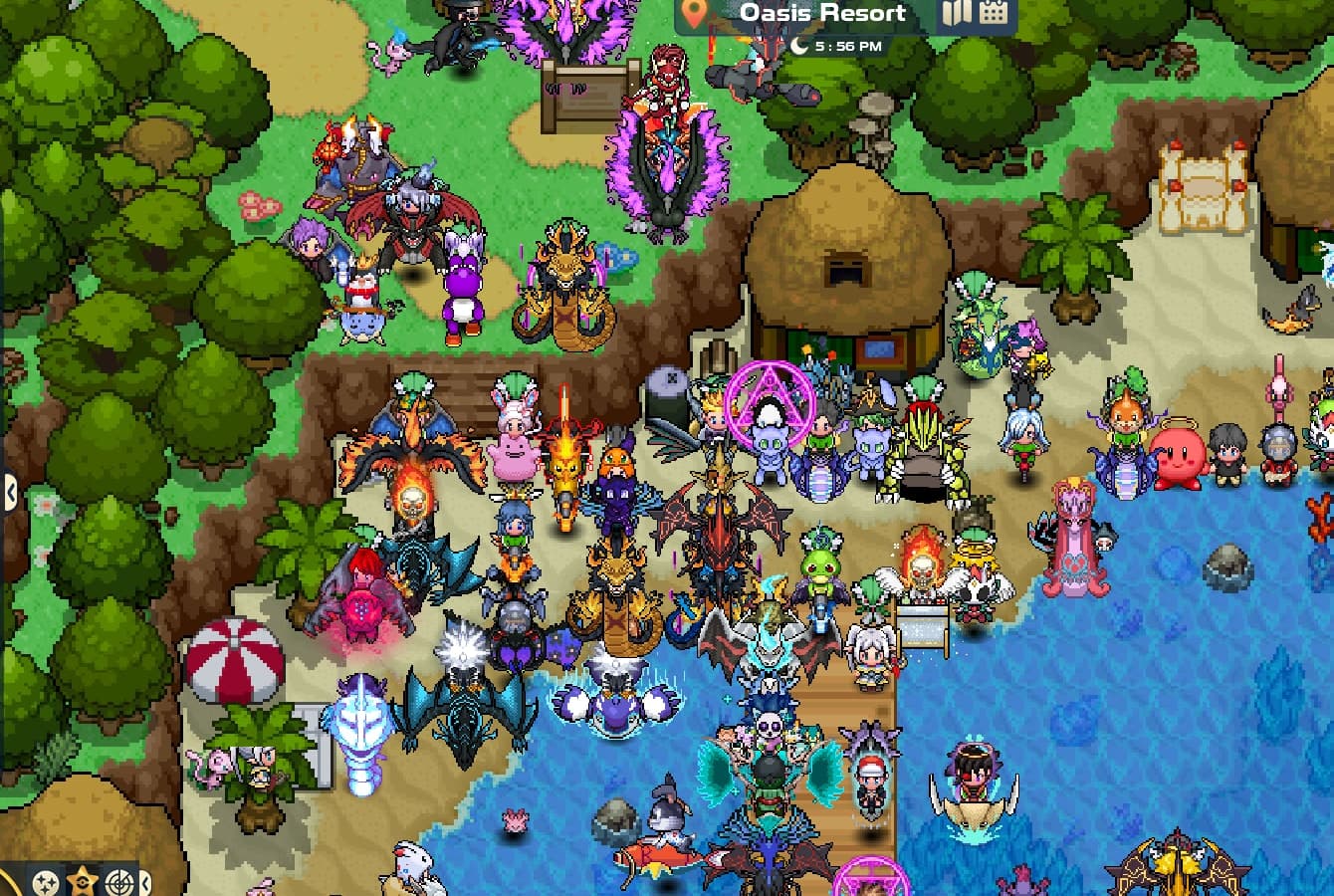
Your account and progress
Log in with your existing PBO account. The browser and desktop versions use the same game servers, so your characters and progress stay in sync.
You can switch between browser and desktop without starting over.
How to start
Open the game
Launch the browser version and let the game load. You do not need to install the desktop client.
Log in or register
Use your existing PBO account, or choose Register on the game’s login screen if you are new.
Start playing
Explore Kanto, Hoenn, Sinnoh and Jvaloh. Catch, trade and battle alongside other trainers.
Browser compatibility and support
If you encounter a problem, report it on Discord with your browser, device and a description of what happened.
Report a browser bug on DiscordCan I play on a mobile browser?
Yes. Open the game in your phone’s browser and log in with your PBO account. For full-screen play, add it to your home screen.
How do I play in full screen?
F11 does not work while the game has focus. On Windows or Linux, click your browser’s address bar first, then press F11. In Chrome, Edge or Firefox you can also open the browser menu and click the full-screen icon next to Zoom. On a phone, add the game to your home screen to play without the browser bars.
How do I record or stream it with OBS?
Add a Window Capture source in OBS and select your browser window. If the capture is black on Windows, set the source’s capture method to “Windows 10 (1903 and up)”. Battle windows can be moved, so you can keep them clear of your webcam or overlays.
Why was I disconnected on the login screen?
The login screen disconnects if it is left open for too long. Reload the page and log in again. Your account and progress are not affected.
Will my existing progress carry over?
Yes. Use the same PBO account. Your account, characters and progress are shared with the desktop version.
Do I need to pay or install anything?
No purchase or game installation is required to play in your browser. The game downloads its resources through your browser when it loads.