Co-op and hordes: your first shared battle
Play through the adventure with a friend, including wild encounters, NPC and Gym battles, Champions and reruns. This guide explains how to get started and how hordes work.
PBO Team · Updated 15 September 2026 · Co-op and hordes released 3 September
Start a Co-op Duo
- Update and sign in. Both trainers need their own game accounts.Play in your browser or download PBO, then use the registration option on the game’s login screen if you are new.
- Open the party interface and choose Create Party. Select Co-op Duo, name your party, and create it. This mode is for exactly two trainers.
- Invite your friend. Have them accept the Co-op Duo invitation. An Expedition Group is a different mode: it does not enable shared wild or Gym battles.
- Meet on the same map. Both trainers must be online. Check the party panel’s readiness message, then start a wild encounter together.
Catching and NPC battles
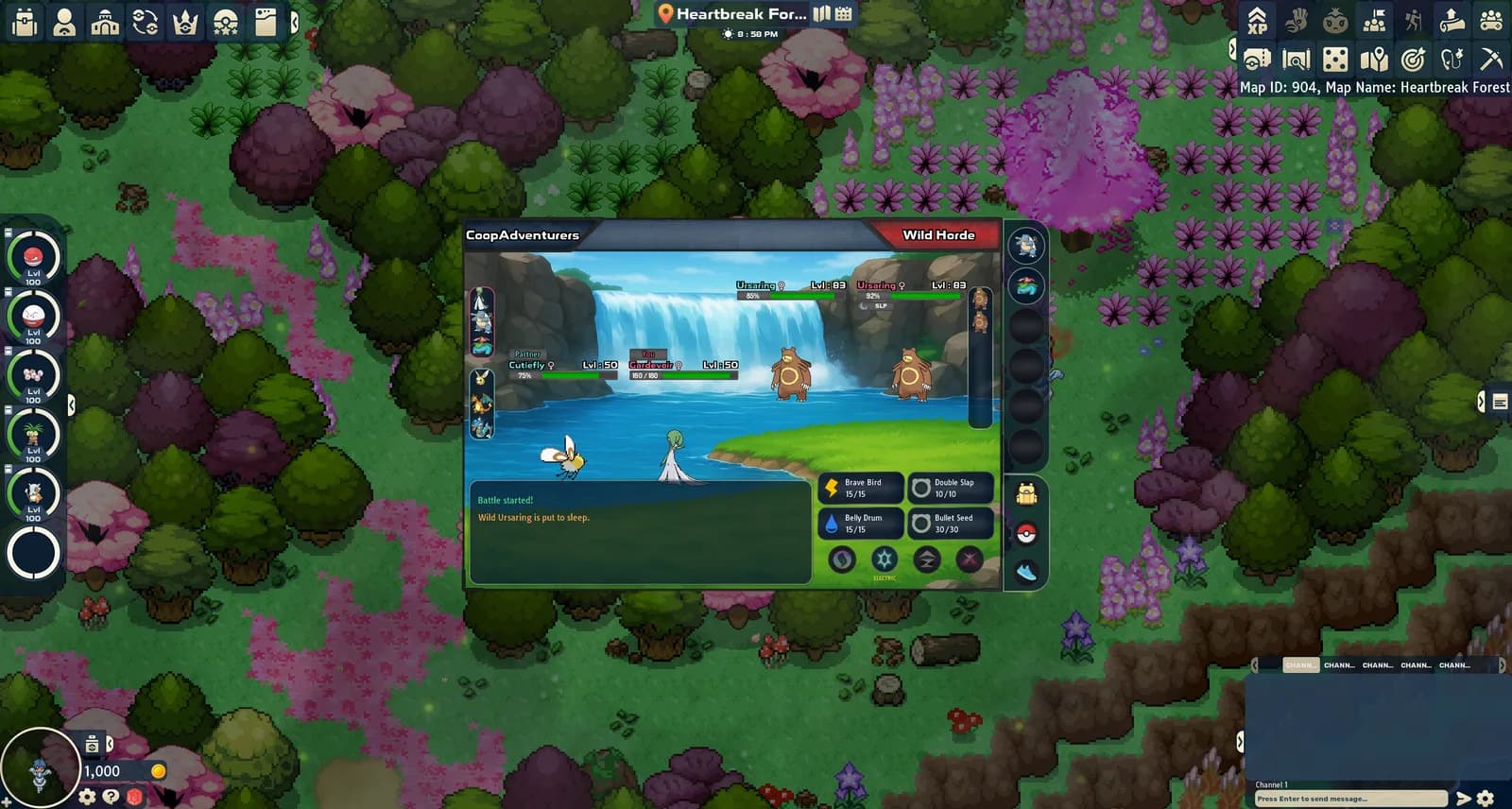
Each trainer can catch their assigned wild Pokémon. Check the target and ownership information in the battle interface before throwing a Poké Ball; do not assume every target belongs to both players.
Play through the adventure with a friend, including wild encounters, NPC and Gym battles, Champions and reruns. A few rival battles and cutscenes are played individually. Read the party readiness message before starting a shared battle.
Hordes and Pure Nectar
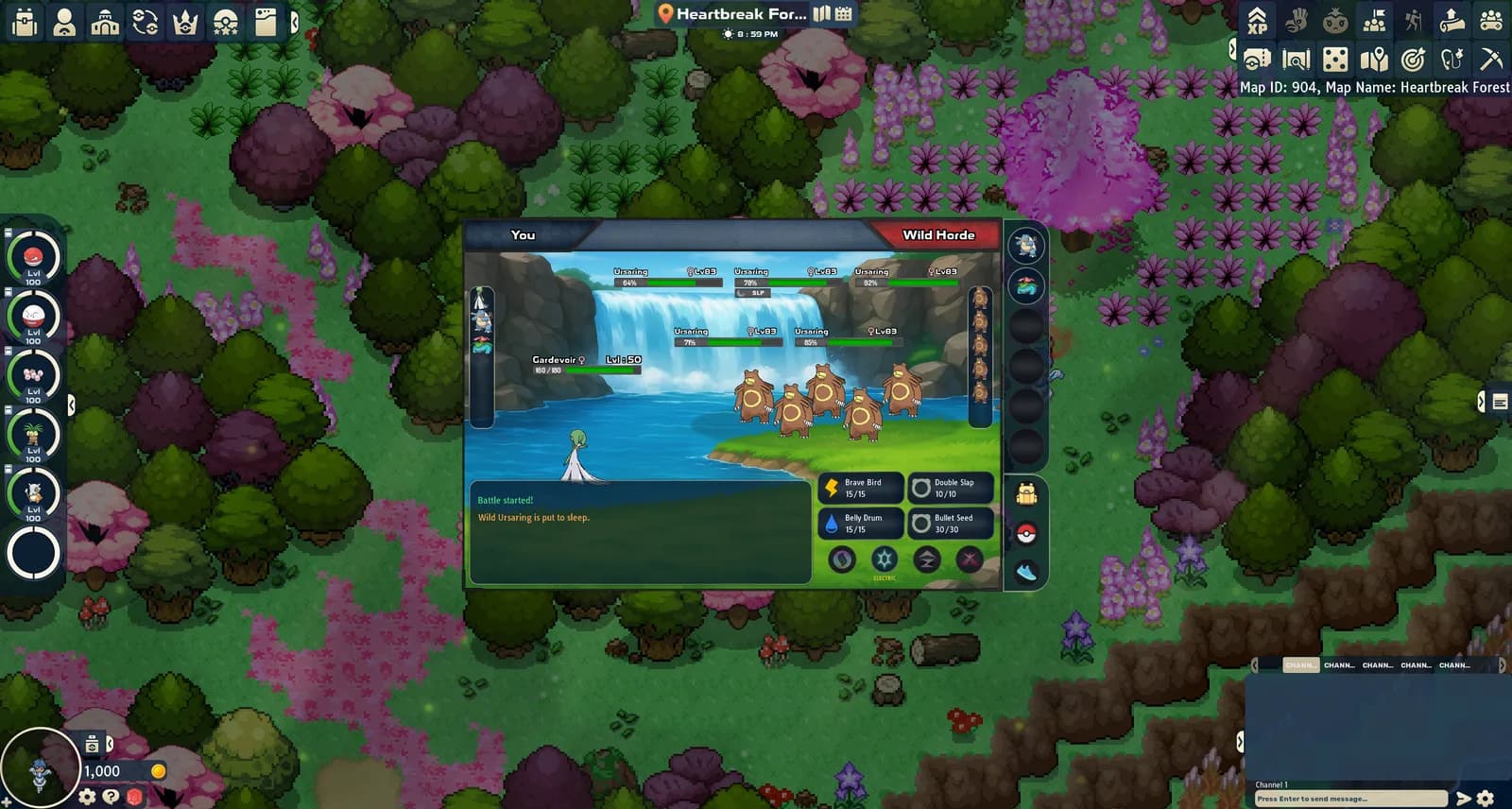
A natural horde brings two or three wild Pokémon into one encounter. Hordes can appear on land, while surfing, or while fishing. Choose the target of each move carefully; moves still follow their usual targeting rules.
Pure Nectar affects land encounters only. It increases horde frequency and adds two Pokémon, making those hordes four or five Pokémon strong. Fishing and surfing neither use up its encounters nor receive its effects. Check the in-game Pure Nectar indicator for your remaining eligible encounters.
An active swarm on your current map increases natural horde frequency, without increasing horde size by itself. On land, its effect can combine with Pure Nectar. The game’s How Hordes Work panel explains the current chances.
If co-op does not start
- Check the party mode: Co-op Duo, not Expedition Group.
- Check that your invitation was accepted and the party has two trainers.
- Confirm that both trainers are online and on the same map.
- Read the party readiness message and check whether you are in one of the remaining solo rival battles or cutscenes.
- If it still fails, report your platform, map, battle type and the exact message to the PBO Discord support team. Never include passwords or sign-in codes.
What about the browser version?
You can play PBO in your browser without downloading a client. Co-op is available there too. On smaller phone screens, the interface may need size adjustments in settings.